Where your child does the learning, not just watches it
Qlive Space is the first AI-powered, activity-based learning platform for one-to-one classes. While the teacher talks on Google Meet, your child works through hands-on activities, with PenQ ready to explain. It's the difference between watching a lesson and taking part in one.
What's inside a Qlive Space class
-
20+ kinds of activity
From quick quizzes to labelling a diagram, every lesson mixes hands-on activities. Every class is something your child does, not something they sit through.
-
PenQ, the AI inside
Your child can ask PenQ a question and it answers on the board, drawing a diagram if that helps. The teacher can ask it for a quiz or practice cards on what was just taught, ready in seconds.
-
Written answers, checked
For questions that need a sentence or an explanation, PenQ reads your child's answer and gives feedback straight away, and the teacher sees it too.
-
Lessons built for your syllabus
Each class opens a lesson made for your child's board and grade, with study materials, worksheets and PDFs alongside the activities.
-
Prep before class
Teachers open the lesson in Review & Prep mode before class, so materials and activities are ready when your child joins.
-
Teacher on Google Meet
Your child and the teacher each sign in to Qlive Space and talk on Google Meet alongside it. One-to-one classes are recorded so our team can review teaching and look into any concern.
Take a short tour
An introduction to Qlive Space from our team: the lessons, the activities and how a class flows.

Learning by doing, in thirty seconds
In class, a teacher would ask your child to shade the bars themselves, then explain why one is bigger. Seeing it builds the idea; explaining it makes it stick.
Every subject has its own version of this: labelling a leaf in biology, sorting sentences in English, balancing an equation in chemistry. Teachers also bring in tools like Desmos, GeoGebra and PhET simulations when they help.
Try it: which fraction is bigger?
Change the numbers. The bars redraw.
¾ is bigger than ⅔, by one twelfth.
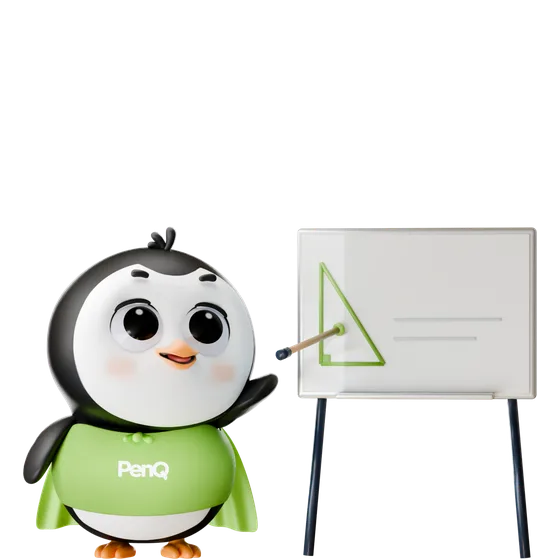
Meet PenQ, the helper in every class
PenQ is Qlive's AI learning companion, built into Qlive Space. Your child can ask it a question and it answers on the board, drawing a diagram when a picture explains it better. The teacher can ask it for a quick quiz or a set of practice cards on what was just taught, and get it in seconds.
The teacher always leads. PenQ saves them preparation time, checks written answers and gives your child hints during practice, so more of every class goes on your child.
About Qlive Space
Want to see it with your own child? The free assessment and any demo class happen in Qlive Space.
Book a free assessmentDo we need to install anything?
No. Qlive Space opens in a web browser on a laptop, desktop or tablet. Your child signs in, opens the class from the Qlive Learn app or their reminder, and joins the teacher on Google Meet.
Is Qlive Space a video call?
No. The conversation with the teacher happens on Google Meet. Qlive Space is where the learning happens: the lesson, the activities, the board and PenQ.
What device works best?
A laptop or a tablet is ideal, because activities and the board are much easier on a bigger screen. A phone works in a pinch.
Does PenQ teach my child?
No. Every class is led by a real teacher. PenQ answers questions, draws diagrams, makes quizzes and cards and checks written answers, so the teacher spends the class on your child instead of preparing.
Is it safe for children?
Each space is private to your child's class, and only signed-in students and teachers can open it. Classes are recorded so the Qlive team can review teaching, and your family's data is handled under India's data protection law, as our privacy policy explains.